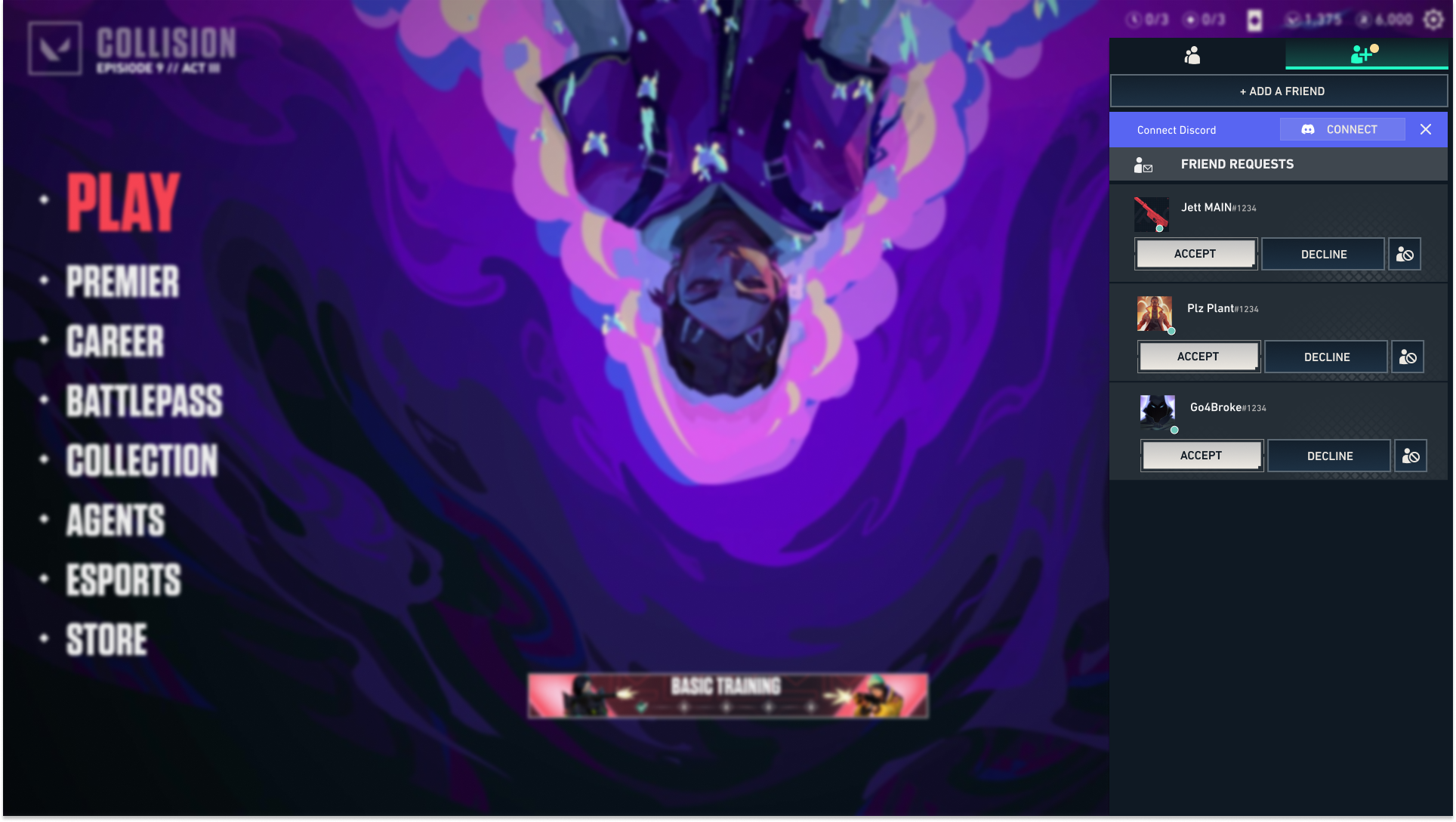
Jump into games with your Discord friends, faster. Less waiting, more playing.
Linking your Riot and Discord accounts helps you queue easier with your friends by unlocking you to invite your Discord friends directly to your in-game party without leaving the client. You can link your account through the game client, through Discord, from your account page, or by using the link below.
During Beta, we're rolling out new social features in a few regions first to make sure everything feels good before we go global.
Even if your region is not yet supported, you can still link your accounts during Beta. The features will appear once your region goes live. For updates on when the Beta is ready for you, stay tuned to League and VALORANT social channels.
As this is a Beta, you may encounter issues or bugs. If you are encountering issues with this experience that negatively impact your ability to play the game or issues with linking your Discord and Riot Account, please submit a ticket via Player Support.
Once your account is linked you’ll be able to see which of your Discord friends play Riot’s games and bring them right into your party. Currently, Discord integration is available for League of Legends and VALORANT and we plan on bringing it to more of our games in the future.
Linking your accounts lets you:

Invite Discord friends straight to your party, no alt-tabbing needed

Copy a lobby link and share it directly with your server (or anywhere your friends are)

See which of your friends play Riot’s games and jump into parties faster
You have three different ways to link accounts:
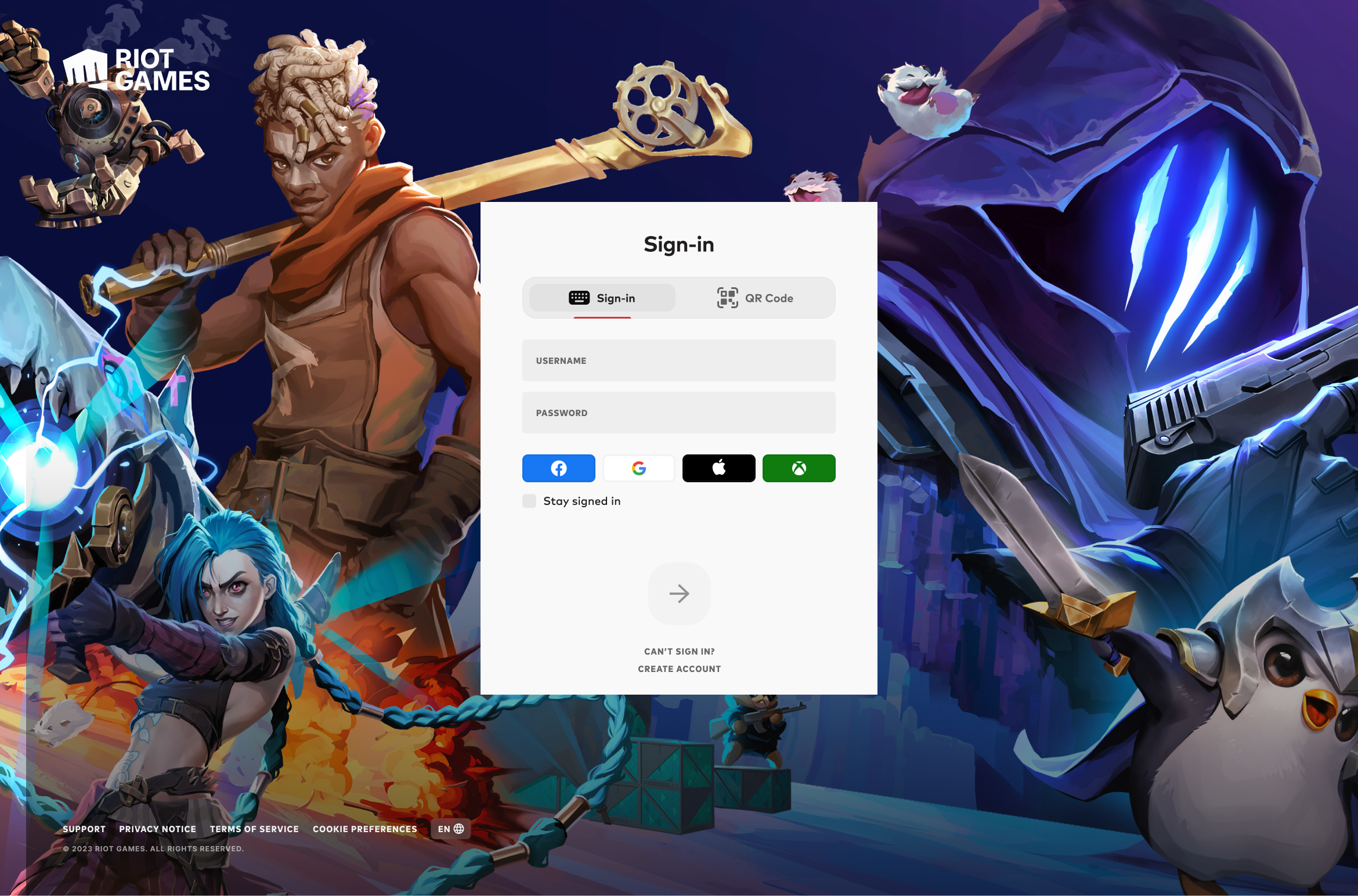
- Go to account.riotgames.com and log in with your RiotID
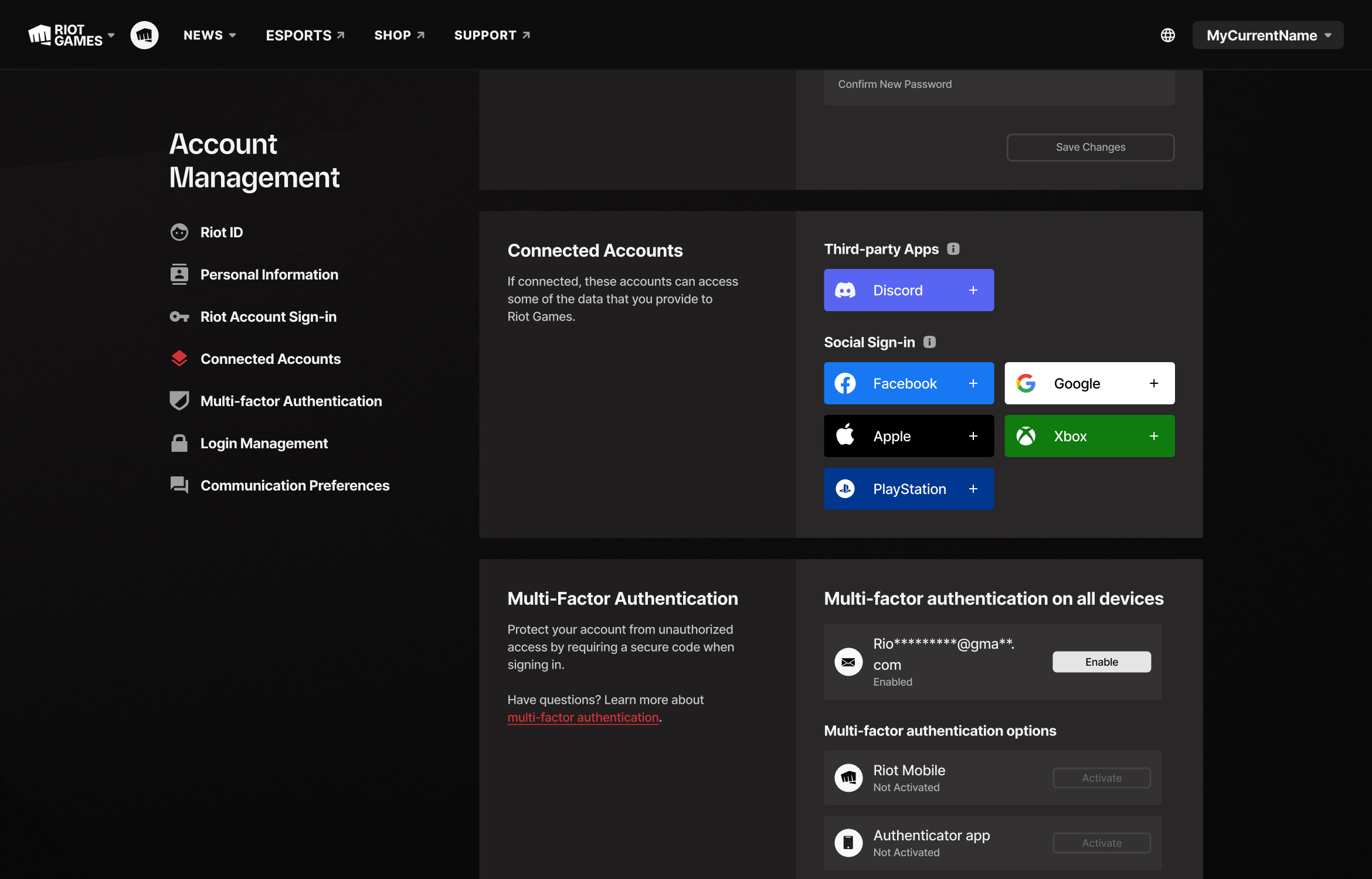
- Scroll down to “Connected Accounts” and click the Discord button
Hint: It's blurple!
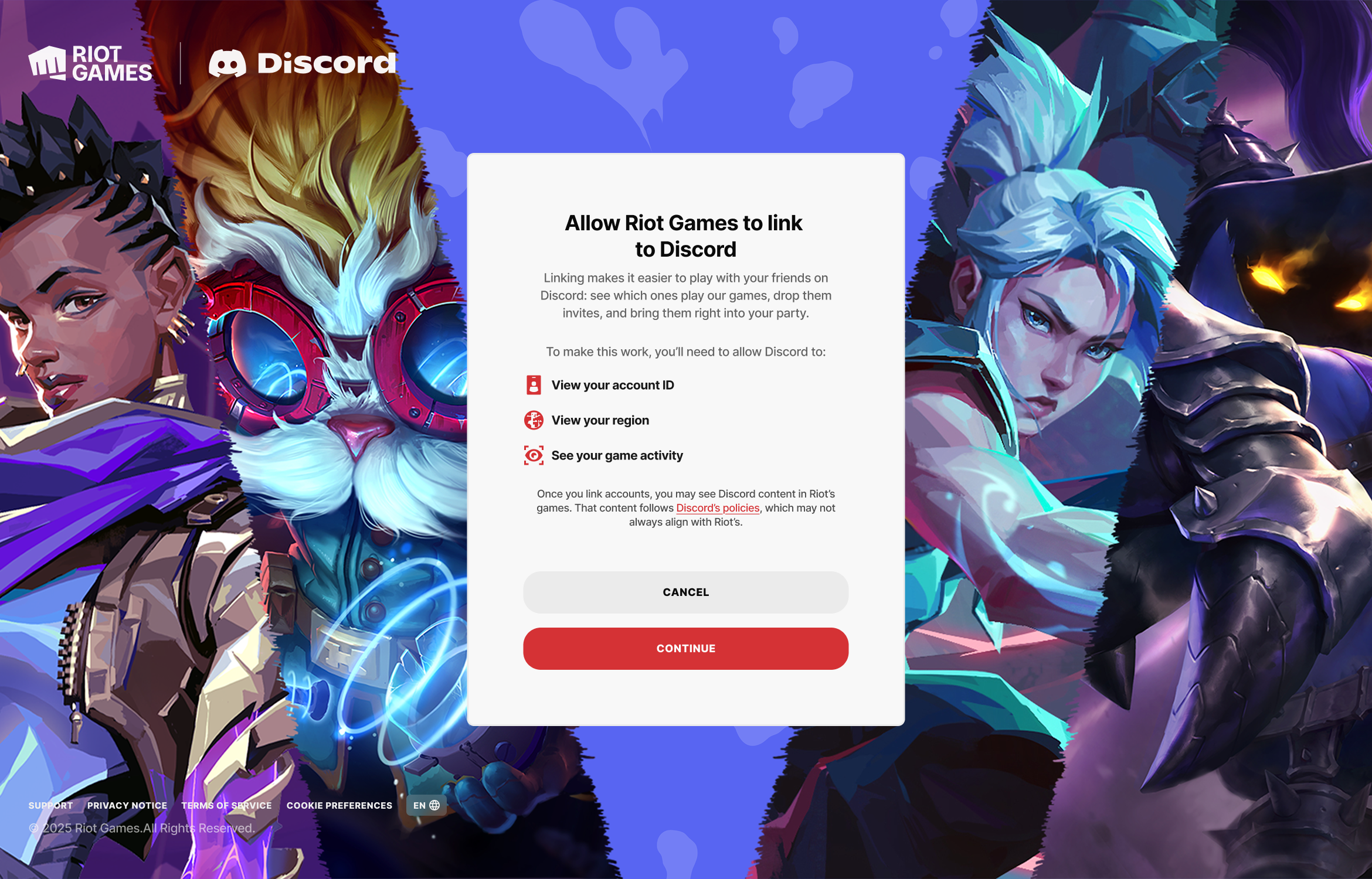
- Confirm the prompts (you may be asked to log in to Discord)
- Go to account.riotgames.com and log in with your RiotID
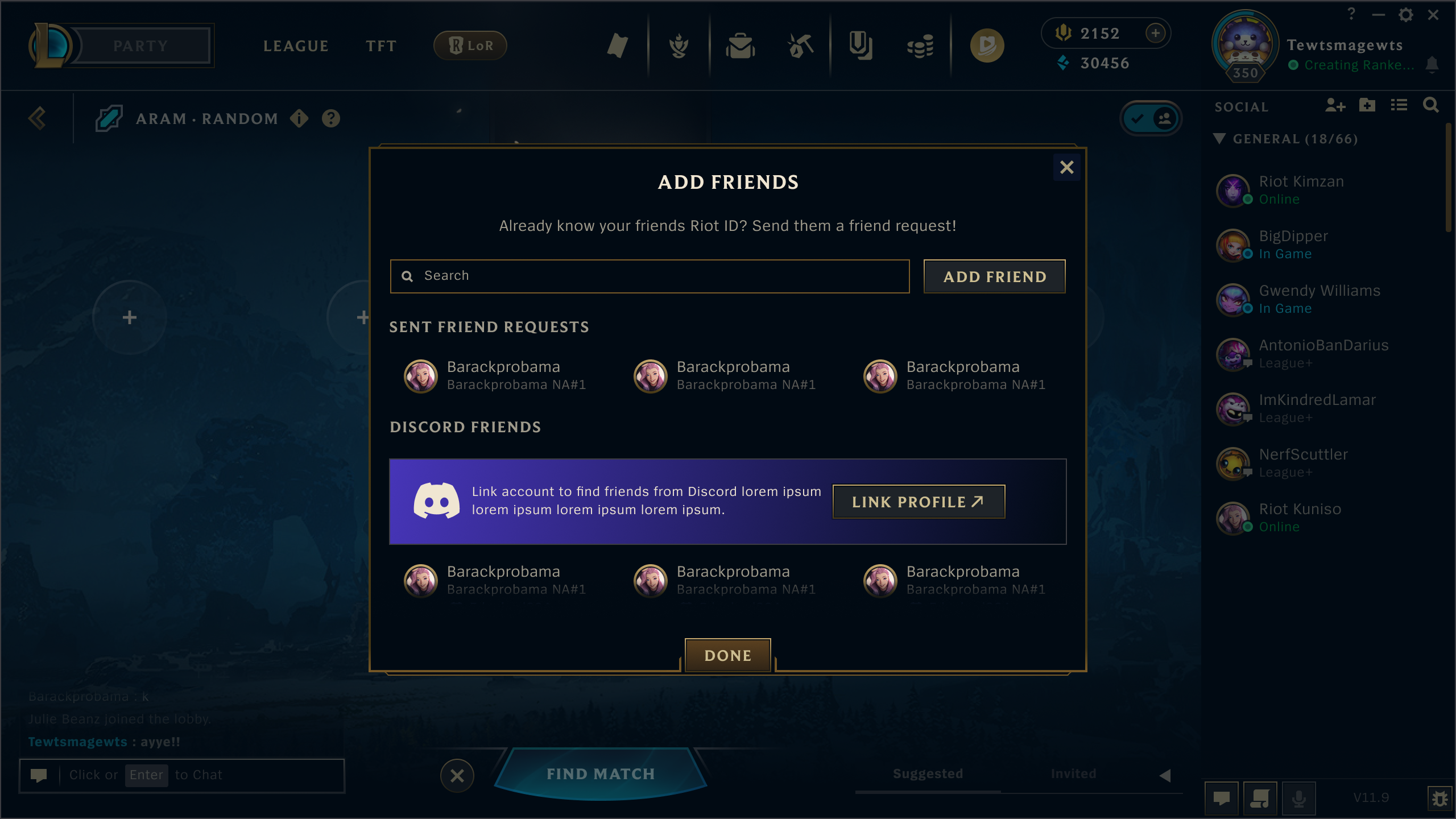
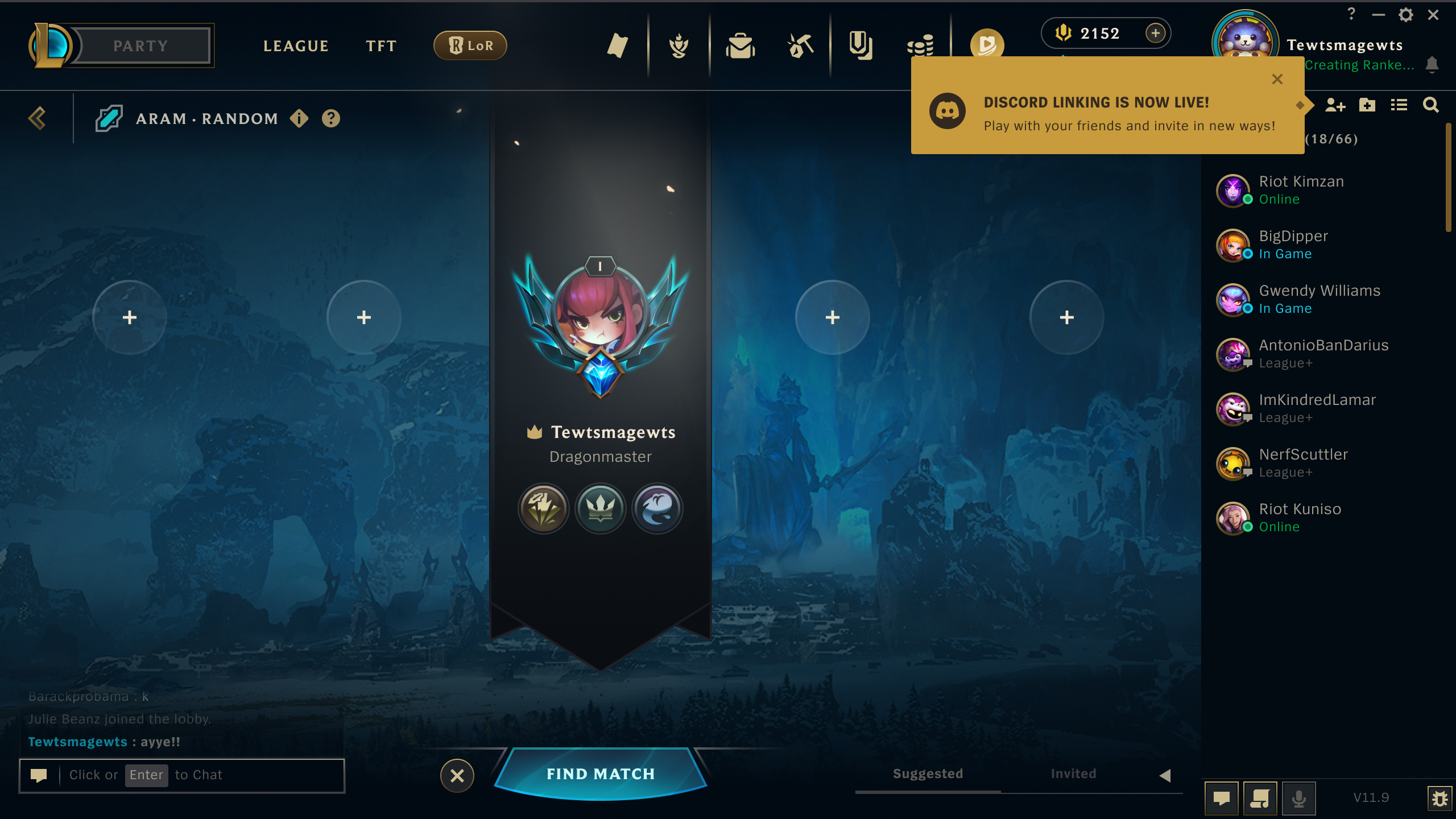
- Open League of Legends and click on “Add Friends”

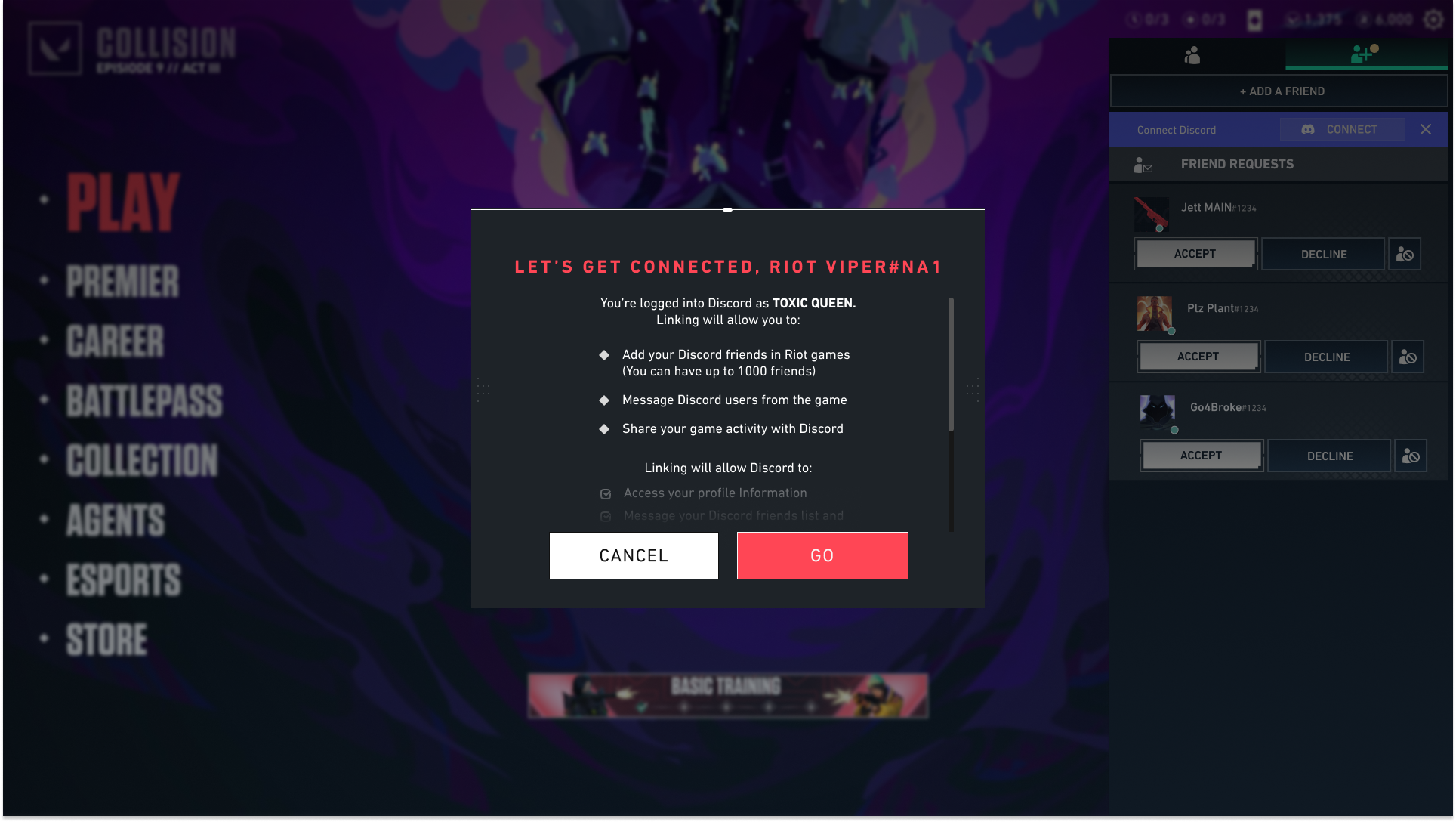
- Click “Connect Discord Account”

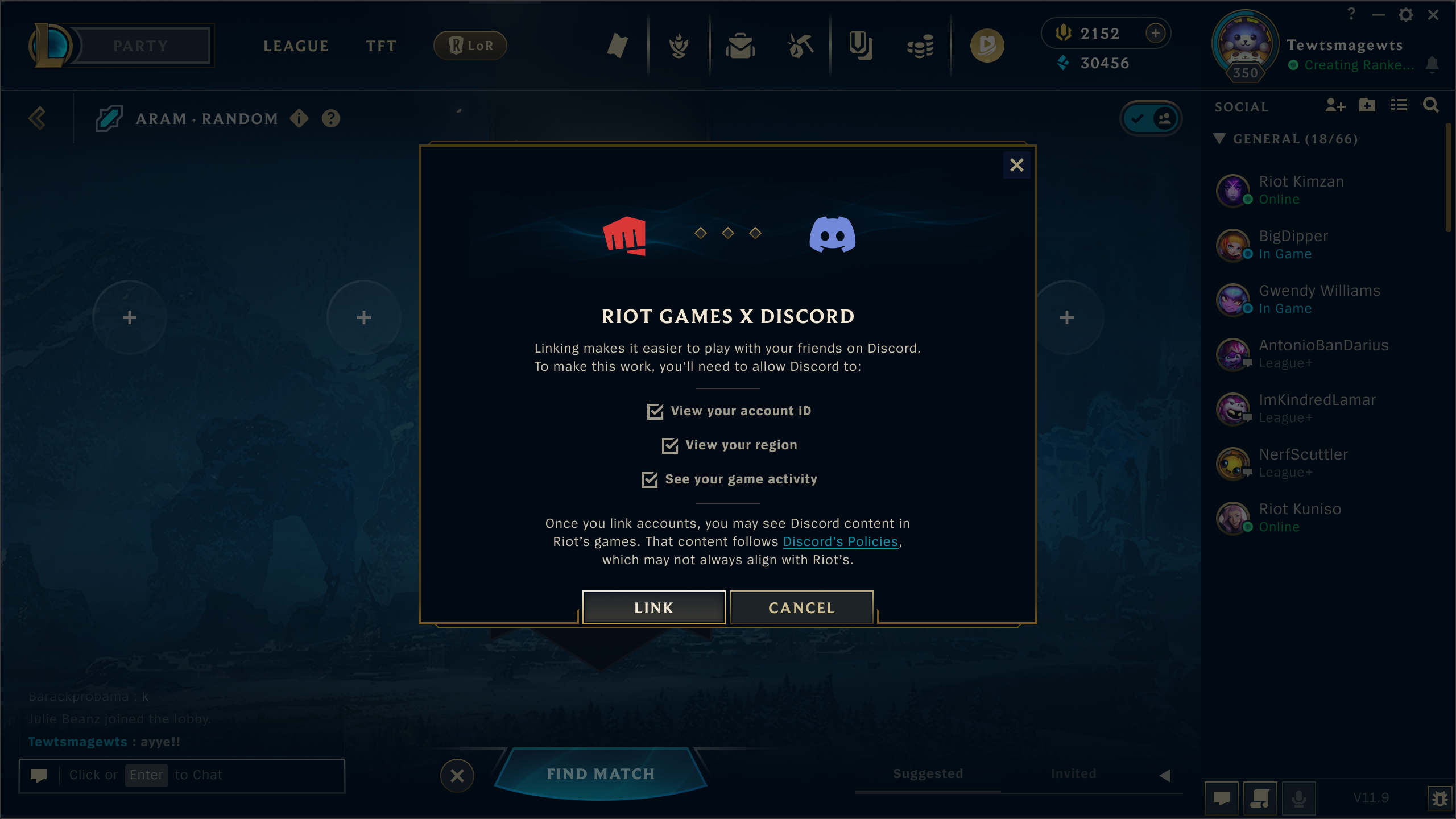
- Confirm the prompts (you may be asked to log in to Discord)
- Open League of Legends and click on “Add Friends”
- Open Discord and click on “Settings”
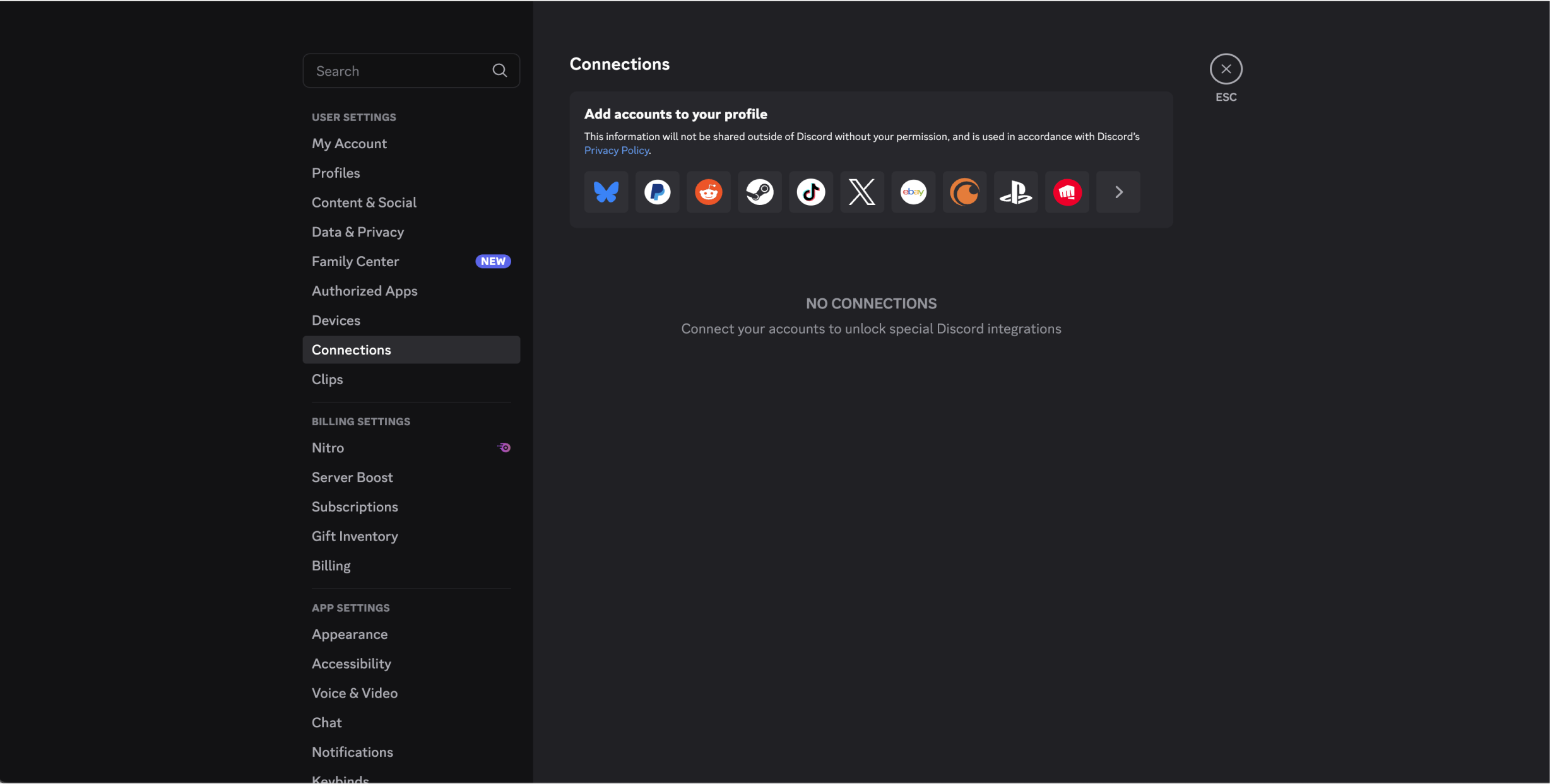
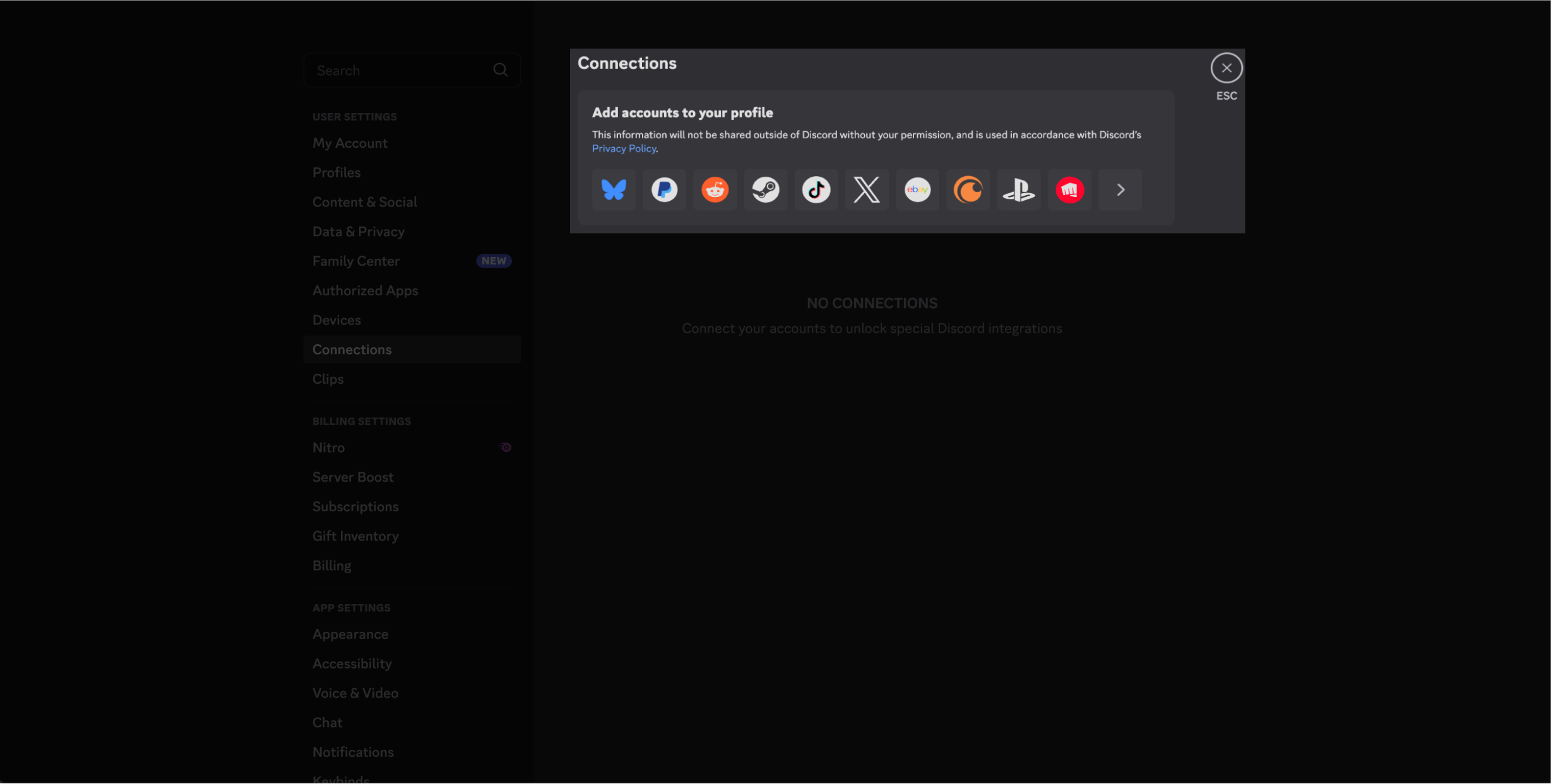
- Click “Connections,” then select the Riot Games fistbump logo (you might have to click “View More”)
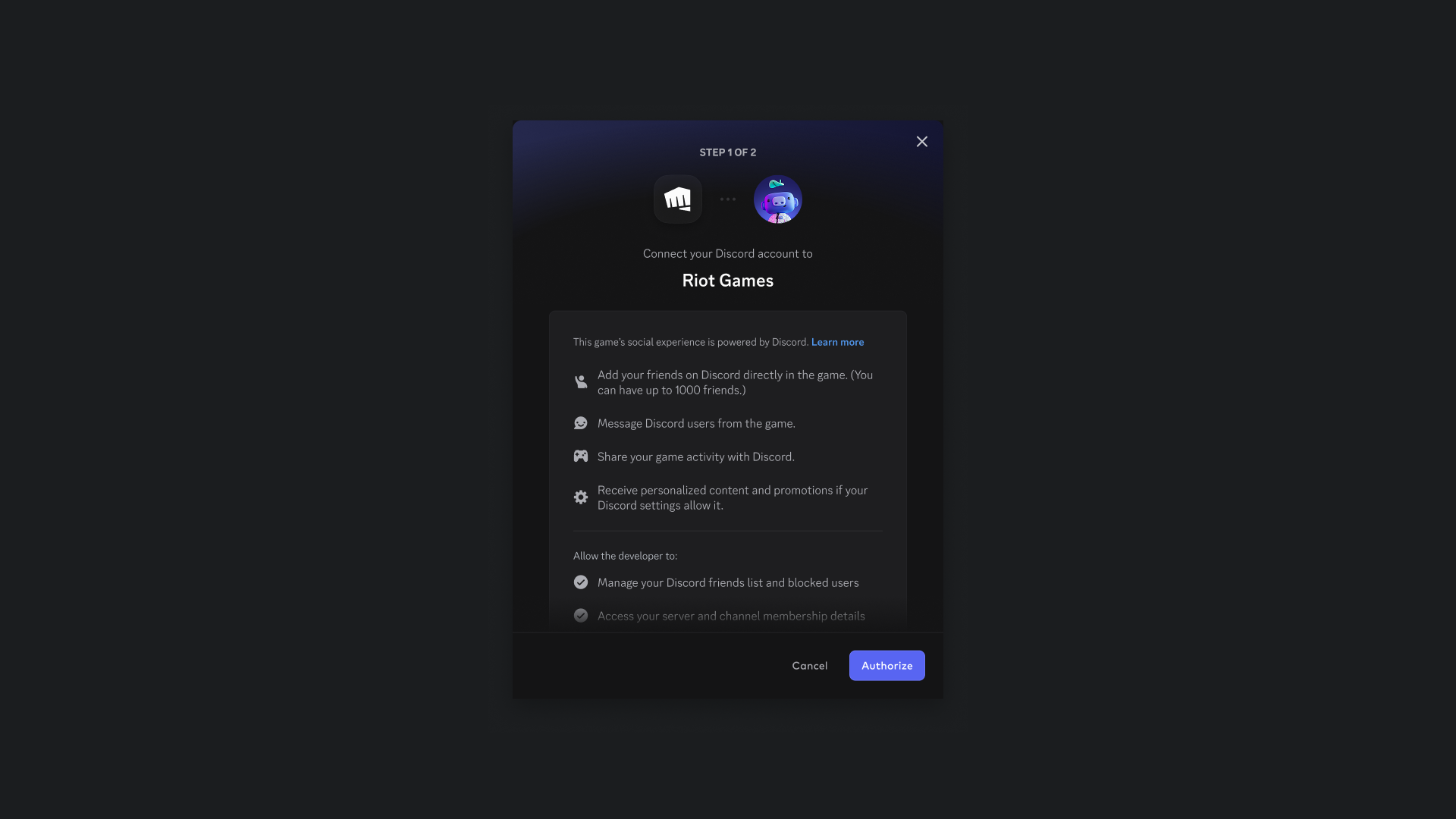
- Confirm the prompts (you may be asked to log in to your Riot Games account)
- Open Discord and click on “Settings”
FAQ
I already have a connected Discord account? Will I have access to benefits?
If you’ve already connected, you’ll need to unlink your current Discord account in Account Management and reconnect to receive benefits. This process only takes a moment.
Why don’t all of my Discord friends show up in my Riot friends list?
Right now, the integrated friends list will only include players who:
Have an existing Riot ID
Have a formal friend connection on Discord
Have also linked their Riot and Discord accounts
If you play with someone a lot on Discord but they’re not officially a “friend” on Discord, they won’t show up here. That’s intentional. We’re keeping your list focused on the people you actually want to queue with, not everyone from every server you’ve ever joined.
Not seeing someone? Now’s a good time to add them on Discord or have them link their account so you can play together without the extra friction.
Will Riot share my data with Discord?
We only share information necessary in order to enable the integration and help players make timely, relevant decisions to help you queue up with your friends.
For example, data such as Riot ID, Discord display name/accountID, and what game a friend is playing or a match’s score so you know when they might be ready to join your party. Generally, this is the same information you might see on a friend’s profile in your social panel, plus a few additional details like party size and status. Otherwise, no other personal information is shared with Discord.
If I play VALORANT and League, do I need to link twice?
Assuming you have the same Riot ID for both games, once you link once, you are good to go in both games.
What if I have multiple accounts?
You cannot connect multiple Riot IDs to a single Discord account. If you use more than one Riot ID, link the one you use to play with friends most often. You can also link and unlink your account at any time by going to your Riot Account Connections page.
Which regions is the feature available / not available in?
These features are only available in regions where Riot and Discord are both supported. Not seeing the features? Check platform availability in your region.
Is there a plan to add chat functionality?
We don’t intend to add this at this time.
What about other Riot games?
We’re hoping to bring this feature to more games in the future and are currently exploring how we do so effectively. Once your Riot ID is linked, this feature will automatically be enabled when we expand to new games.
I invited my friends to a game but they don't see the option to join. Why not?
There's two ways for your friend to fix this issue:- Your friend may need to update their Discord and/or Riot Client before they can accept your invite. Ask them to fully close and relaunch Discord and Riot Client so both clients can update to the latest version.
- Your friend can link their Riot and Discord accounts. If they link their accounts this should both fix the problem and will also unlock the full experience so that they can jump into games faster and send you invites too.
Why do I still see other Riot Games and/or League of Legends accounts marked “legacy” in my Discord Connections after updating to the new account linking?
As the integration rolls out globally, access may vary by region. During this transition period, existing (legacy) connections will remain active so players have time to switch to the new integration. Once the rollout is complete worldwide, legacy account linking will be removed.