TL;DR: We’re introducing optional parental controls for League of Legends, VALORANT, and Teamfight Tactics (PC) in the United States.
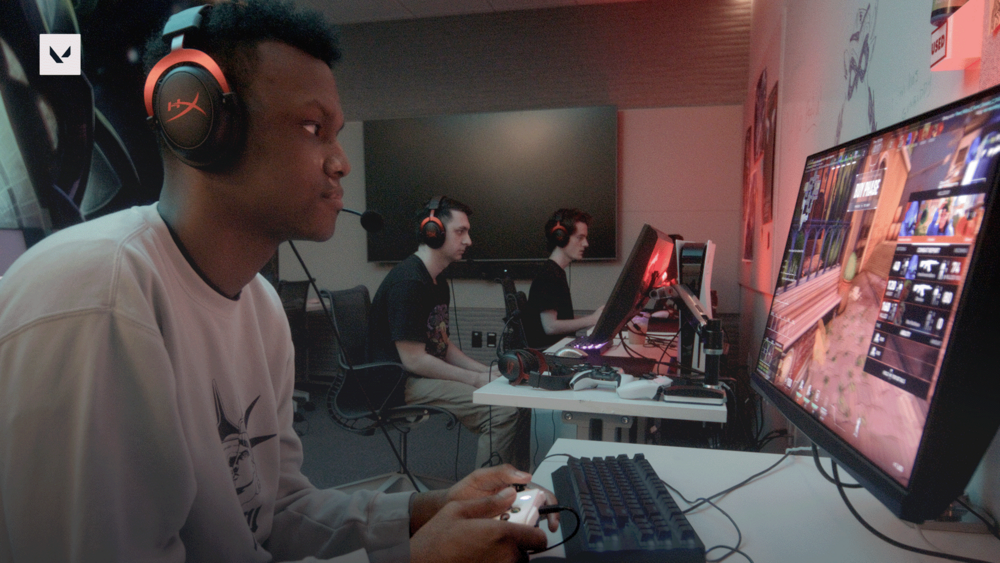
If your child plays League, VALORANT, or TFT on PC, these features are designed for you. While we work hard to make our games as safe as possible, we know many parents want additional visibility into how their children engage with online experiences—our games included.
These new optional parental controls are designed to give parents more visibility and control over their child’s account and gameplay experience.
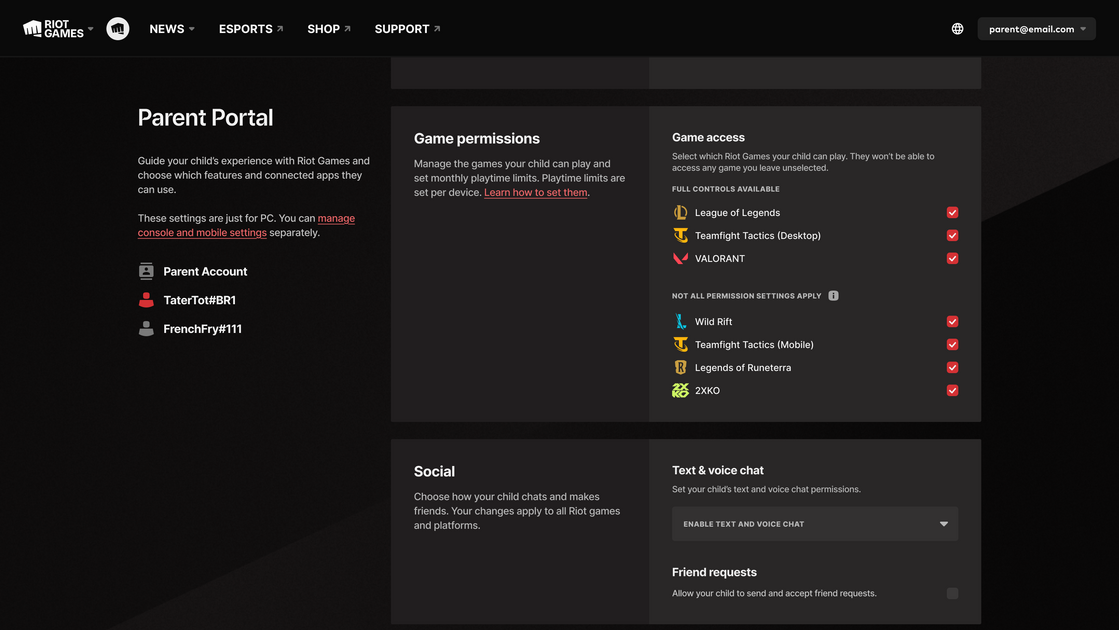
With parental controls enabled, parents can:
Turn text and voice chat off
Limit text and voice chat to friends only
Prevent sending or accepting friend requests
View the friends connected to their child's account
Restrict access to specific Riot games
Disable account access entirely
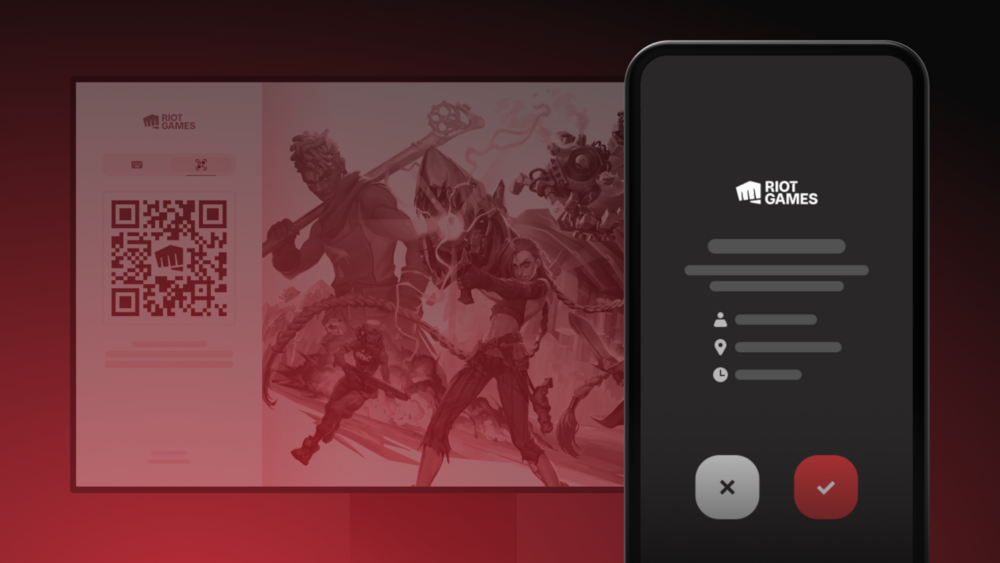
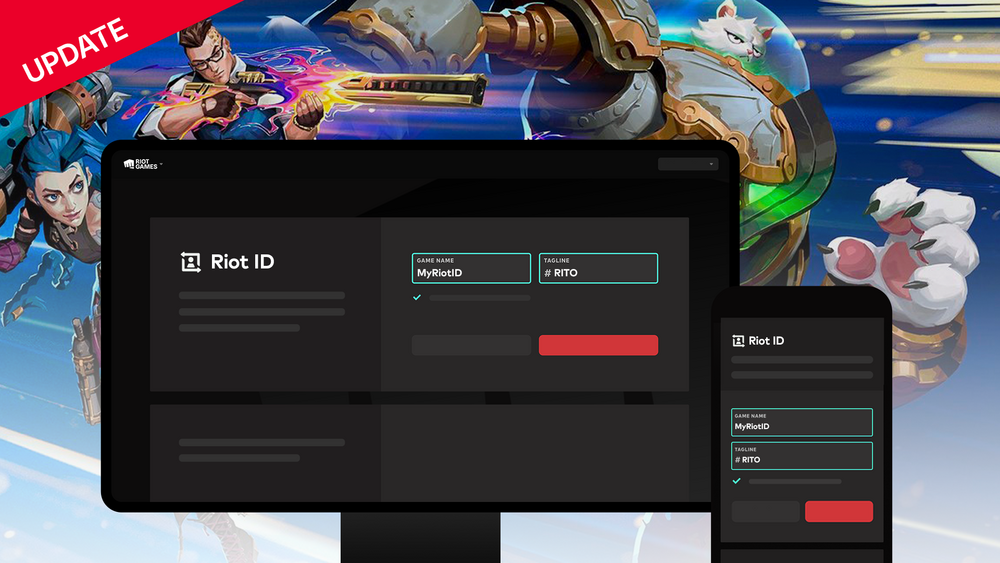
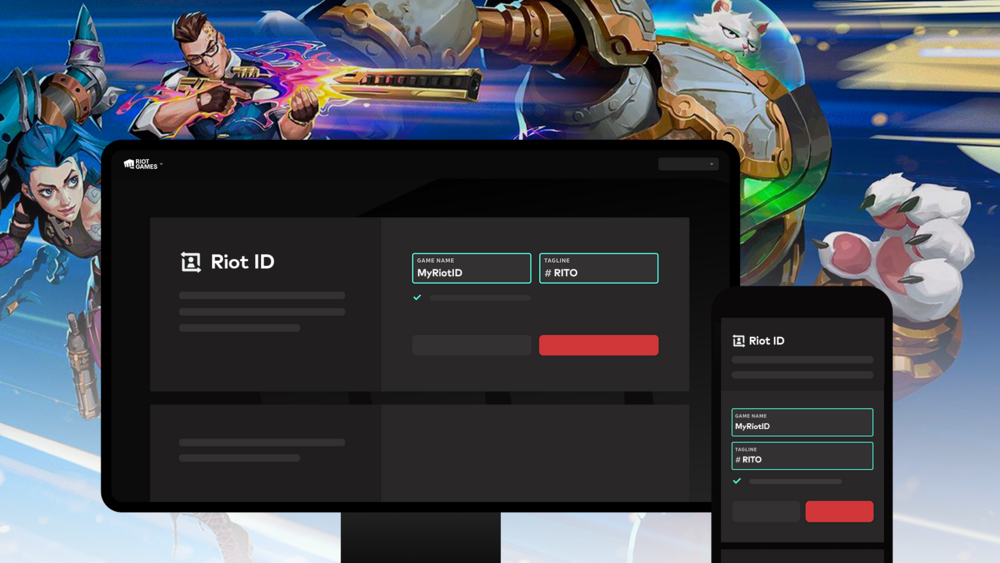
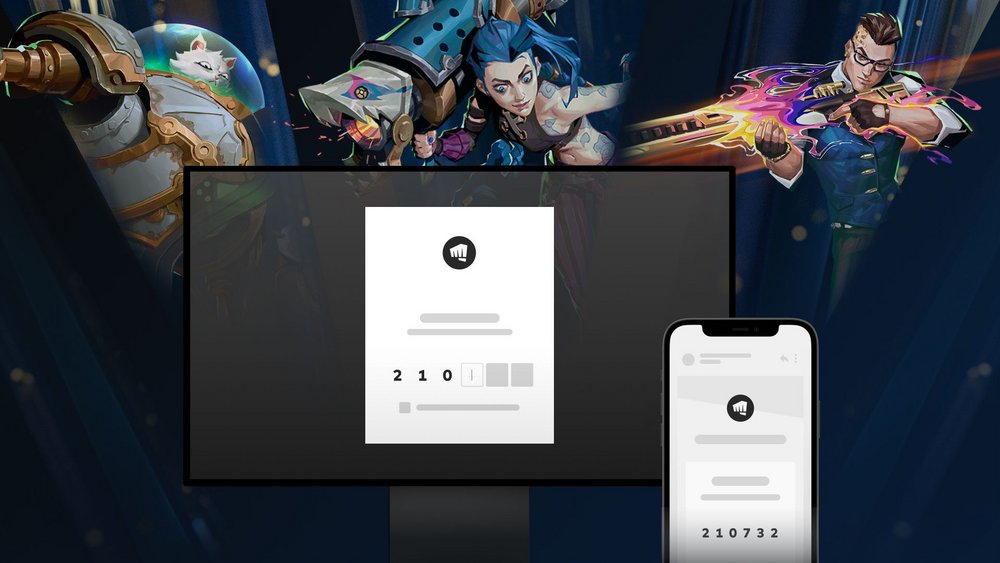
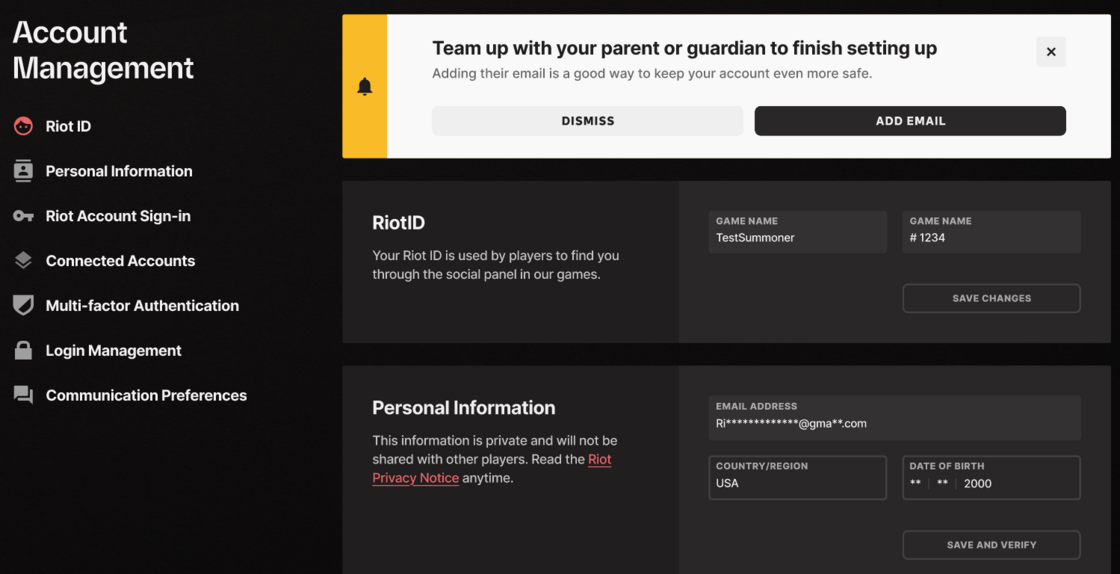
These features are managed through a new Parent Portal. To enable these features and receive access to the Parent Portal, parents will need to log into their child’s account and provide an email address in the designated field under the account management tab. Parents will then receive an email that will guide them through steps needed to create and access the Parent Portal.
Learn more about parental permissions in our games:
- Parental Approval Information for Parents
- Parental Approval Information for Players
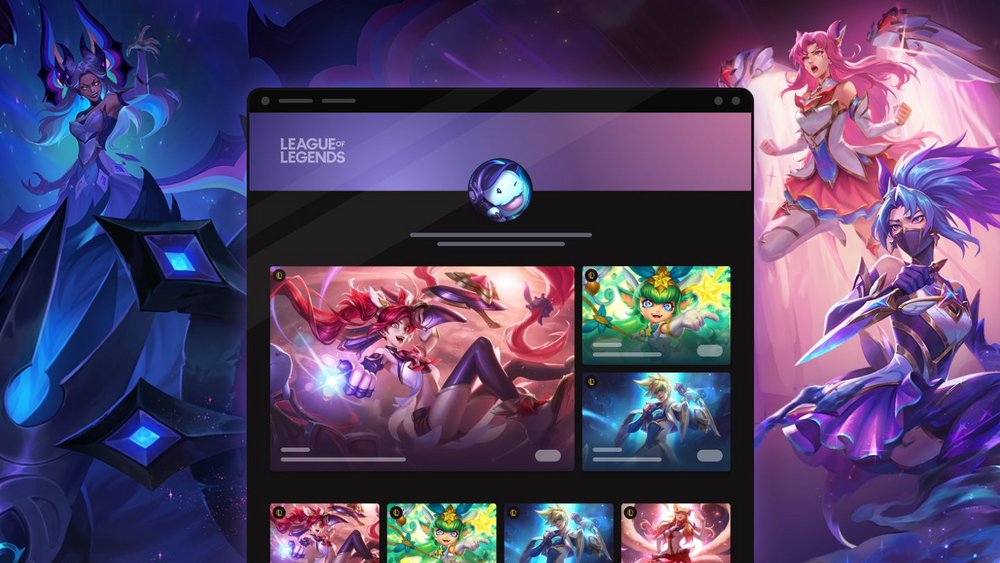
- Riot Games Parent Portal
- Parents of Underage Players FAQ and Contact
FAQ
Are more parental control features coming?
Yes. We plan to continue expanding Parent Permissions over time and are actively working on additional parental control features.
Why do only League, VALORANT, and TFT PC have parental control features?
Each of our games has different features, technical requirements, and development timelines. We chose to begin with League of Legends, VALORANT, and Teamfight Tactics PC because they represent some of our largest and most socially-interactive gaming communities. We’re exploring opportunities to bring impactful parental control features to additional games in the future.
What about parent permissions for TFT on mobile?
We plan to bring Parent Permissions to TFT Mobile in the future. Our goal is to roll out these features in TFT Mobile by early 2027. In the meantime, please consult the parental controls provided by iOS and Android if you haven’t already done so.
How do I set up Parent Permissions on my child’s Riot account?
Go to the account page for your child’s account. If they are under 18, there will be an option to turn their account into a parent-managed account by entering a parent email address. Just input your email, verify that you are the parent, and you will be able to access the parent portal.
Can children remove or bypass Riot’s Parent Permissions?
No. Once the feature is enabled and a parent is verified through our partner (Kids Web Services), there will be no way for the child to remove parent permissions until they turn 18.
What happens when my child turns 18?
Your child will automatically graduate at 18 years old. At that point, they will receive full permissions for their account.
What can I see with Riot’s parental control features?
Parents can view their child’s friends list, see who they are exchanging messages with, and adjust their game settings. In the Parent Portal, parents can’t view chat history or view gameplay activity, however, that data can be accessed by putting a request in to Player Support.
What about parental controls outside of the US?
Different countries have different restrictions, guidelines, and requirements of parental control settings. We are working to bring features like these to more countries in the near future.